
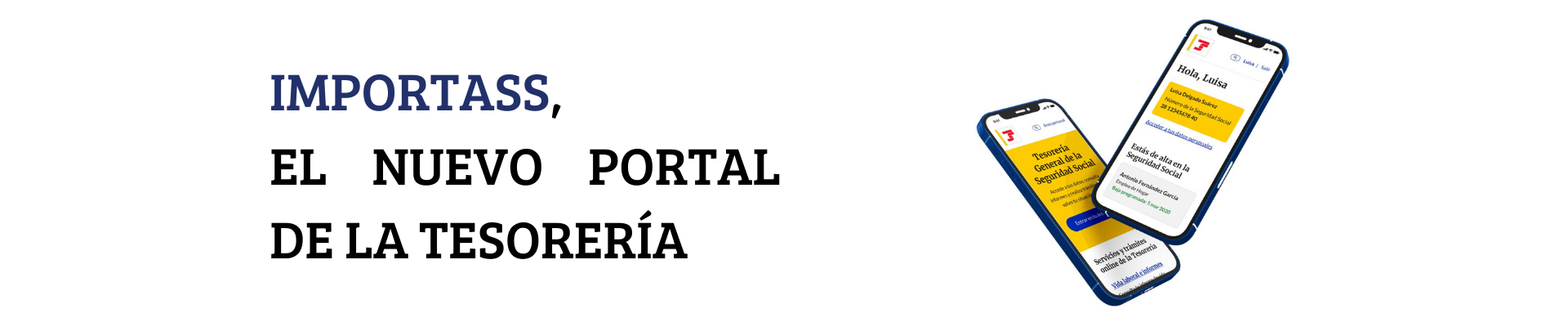
Do you know what Importass is? Are you digital?
If you are going to start a business on your own or you are already self-employed, you will be interested to know that since 2021 you have a digital place that allows you to carry out your procedures quickly, safely and easily.
IMPORTASS, is a digital space adapted to mobile devices, accessible from the Web, the electronic headquarters (SEDESS) and the Social Security app, in which information and processing services are offered.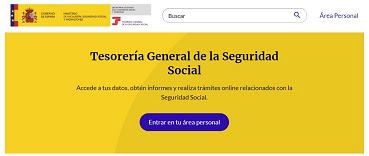
In addition, it includes a PERSONAL AREA where you can consult your data in a personalized way.
The General Treasury of Social Security integrates all services in this Portal with a new, more intuitive design, using easy language, accompanying and guiding the worker in all steps of the process. You can access the portal from the Social Security website, from the Electronic Office or from the Social Security APP. In all of them you will find a link to IMPORTASS.
GUIDED PROCEDURES AND GUIDE WITH ANSWERS TO YOUR MOST FREQUENTLY ASKED QUESTIONS
Digital priority has been given to self-employed workers since the launch of IMPORTASS. Since its inception, a specific page was opened on the portal in which all the procedures available to them in the Electronic Office were grouped, as well as the prior information that may be needed before using any service. It also has a guide, which answers the most frequently asked questions of self-employed workers.
Now the information available on the Portal is completed and the services are adapted and redesigned in order to facilitate safer, simpler and more intuitive management, by converting the processes into guided procedures that contain all the necessary explanations at each step.
RECENT NEWS
The main novelties focus on the redesign of the procedures that are usually used, guiding the user in the process with clarifications during the completion of the information on what each of the decisions that are completed entails, informing them of the corresponding rights and obligations.
- If you do not have a Social Security Number, it is obtained as part of the registration process.
- If the registration process is not completed, a draft will be generated.
- You can schedule registration or cancellation as a self-employed worker and cancel it whenever you want.
- You will have all the documents that you generate as a result of the procedures you have carried out, as they will be saved in a “Your document file” section from your Personal Area of the Portal.
- Use a simulator in which you can check the approximate fee that you will have to pay before signing up.